

REVA (Real Estate Valuation Assistant) is the web-based valuation and analysis environment for VALUE AVM. Real estate valuers, appraisers and credit institutions use it to derive market values and mortgage lending values for residential properties and undeveloped land. The system takes care of the recurring steps — data collection, pre-filling of plausible inputs, calculation path and documentation. The decision on the value is yours. The service is designed to fit seamlessly into the mortgage lending process of banks and financial institutions.
REVA provides all valuation approaches relevant under ImmoWertV (German Real Estate Valuation Ordinance) and BelWertV (German Mortgage Lending Value Ordinance) — the comparative value, asset value and income value approaches. For the comparative value approach for one- and two-family houses and residential condominiums, the suitability of the underlying model under § 19(2) BelWertV has been independently confirmed; the scope and limits of this review are described on the VALUE AVM page.
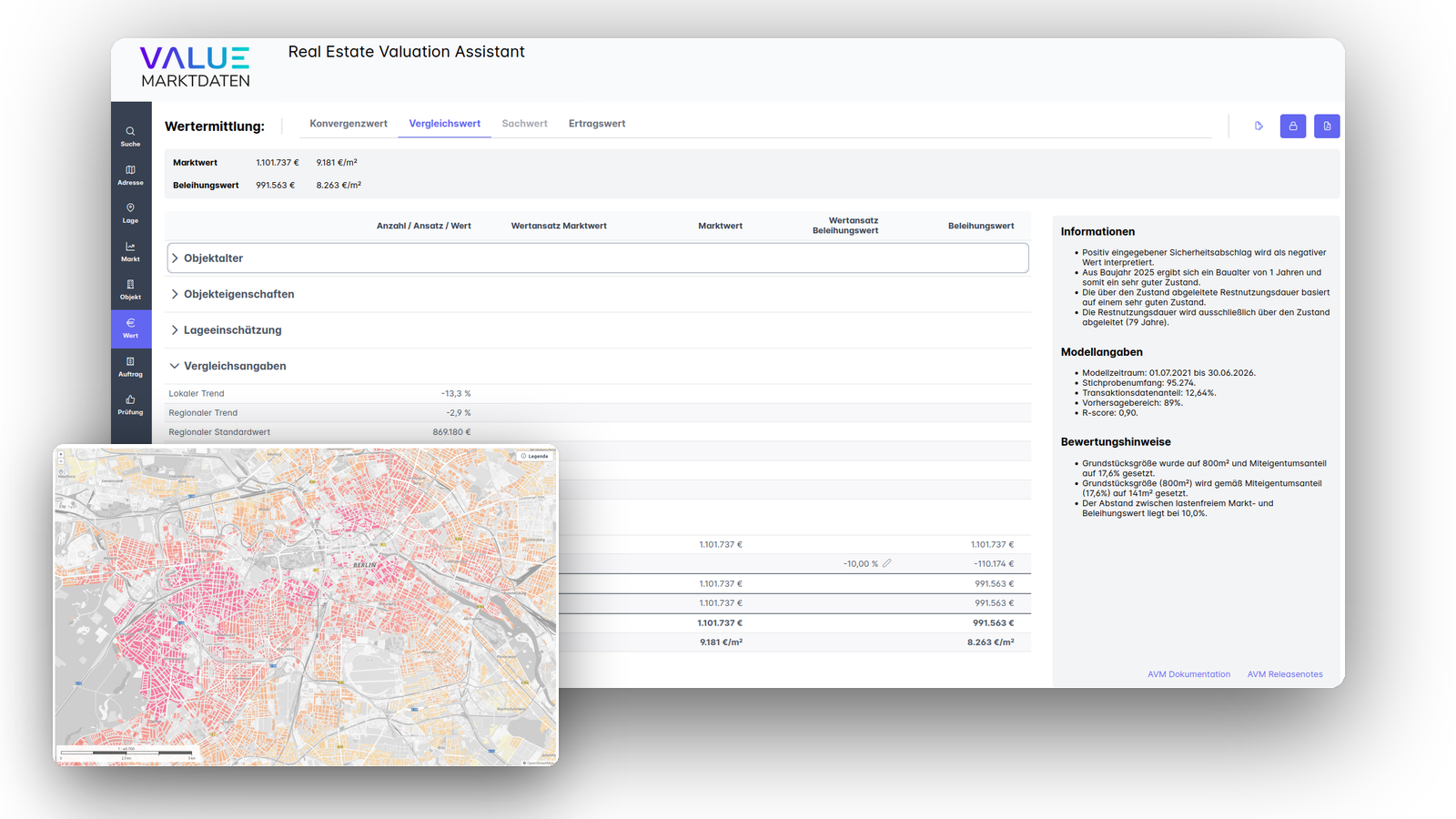
From the address to the auditable report
REVA guides you through the entire valuation process:
-
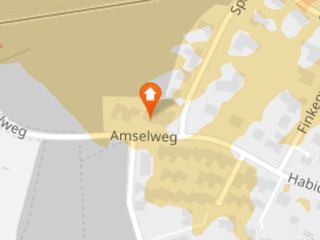
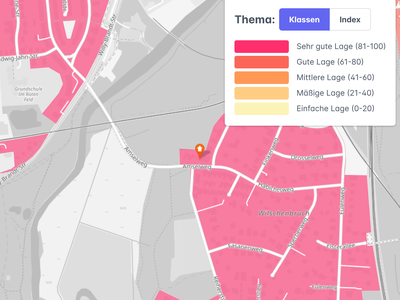
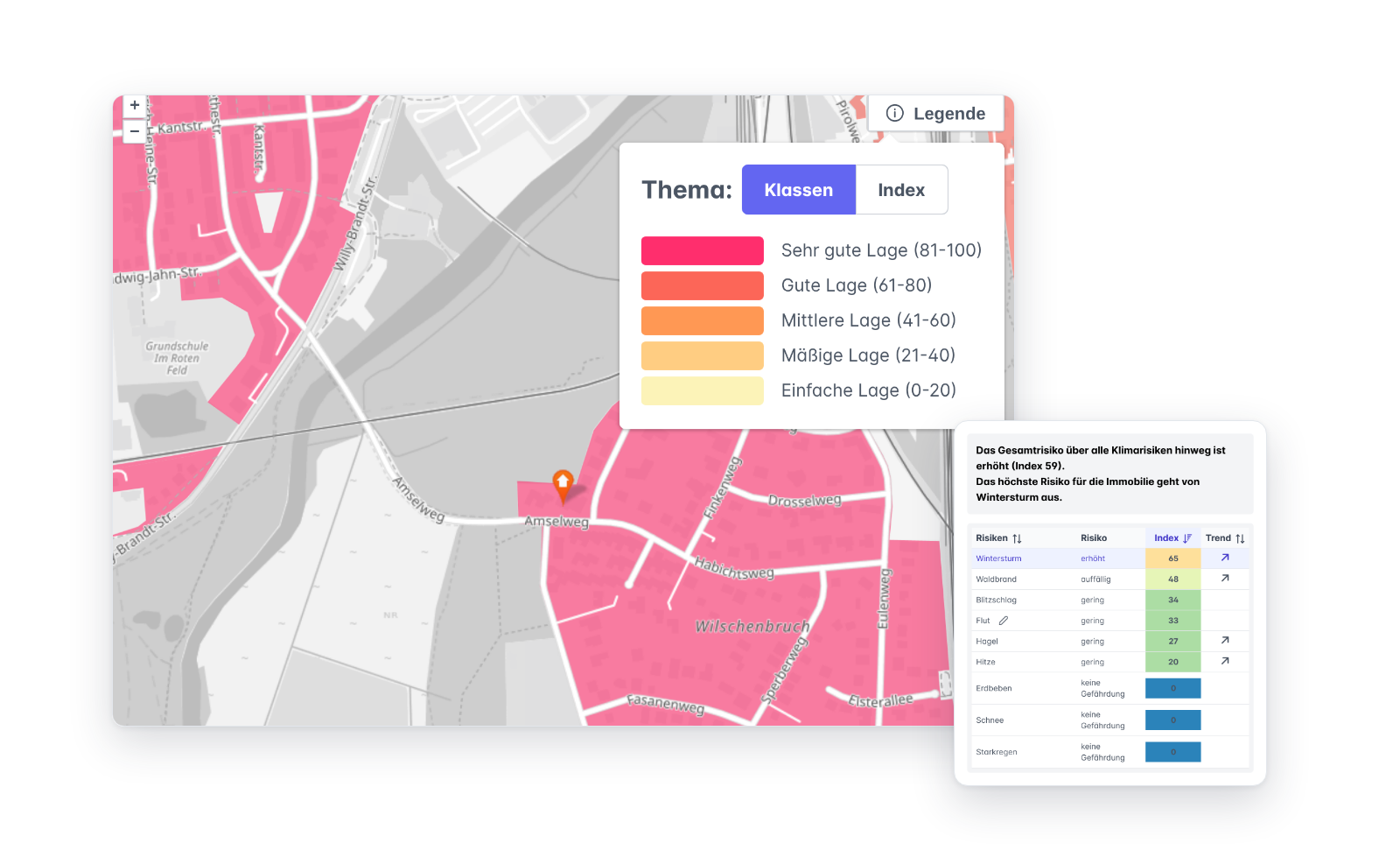
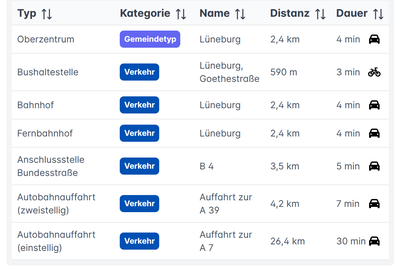 Location analysis & geodataGeocoding, infrastructure with routes and travel times, micro- and macro-location, real estate cadastre and cadastral maps. The Emissions tab shows the noise exposure per noise source based on the official EU environmental noise mapping, as well as emission sources such as power lines and radio masts, wind turbines or industry. The Climate risks tab assesses nine natural hazards with class and trend. The local flood risk can be adjusted after your own on-site review. Map extracts are saved with the valuation and thus appear in the report.
-
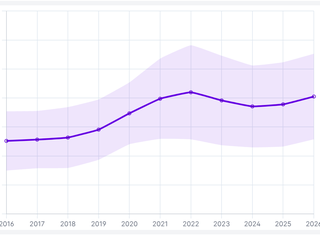
 Market analysis & time seriesRegional market and price time series (purchase prices and rents), price tables and market description from the VALUE Market Database to support the valuation.
-
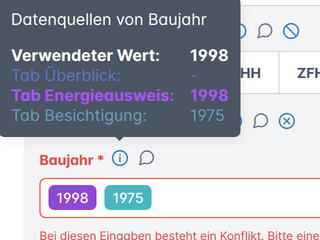
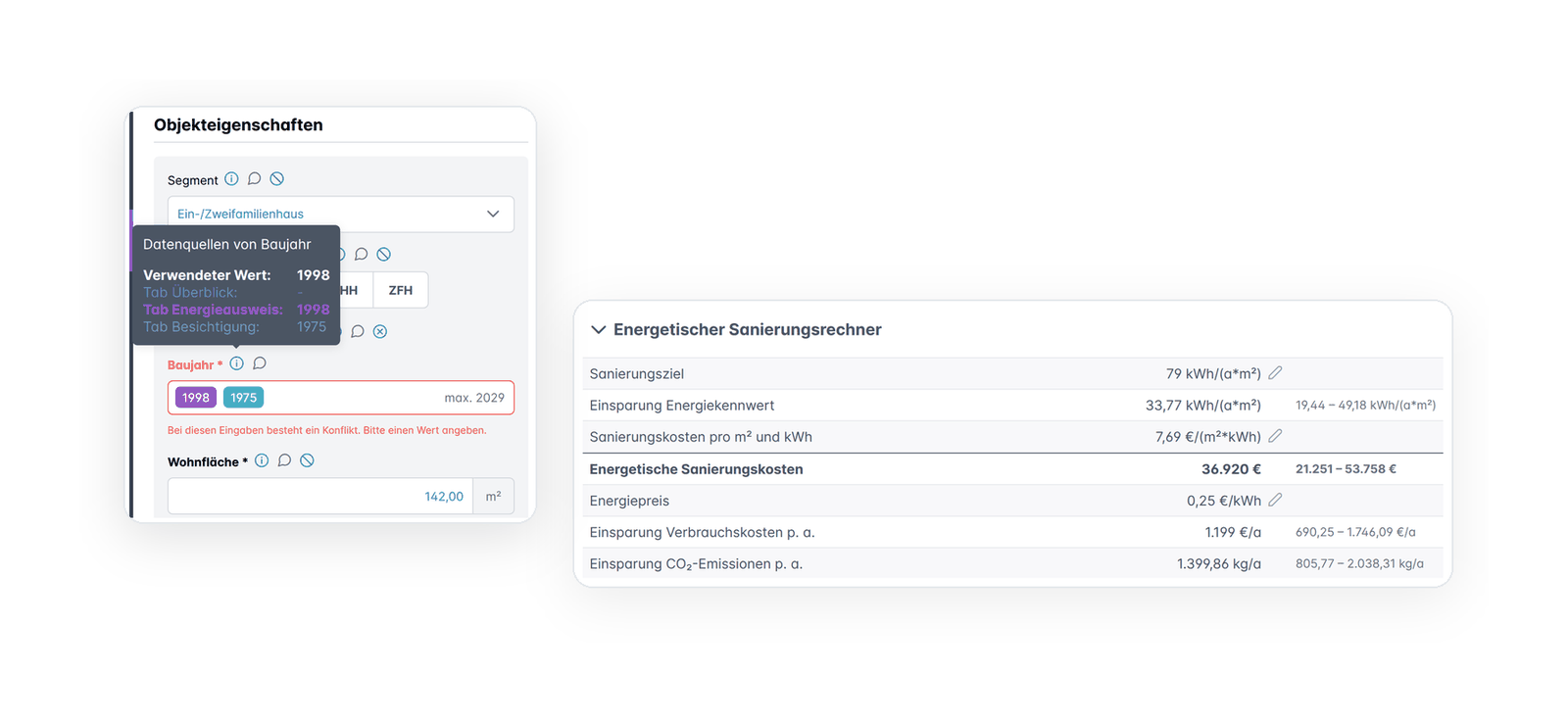
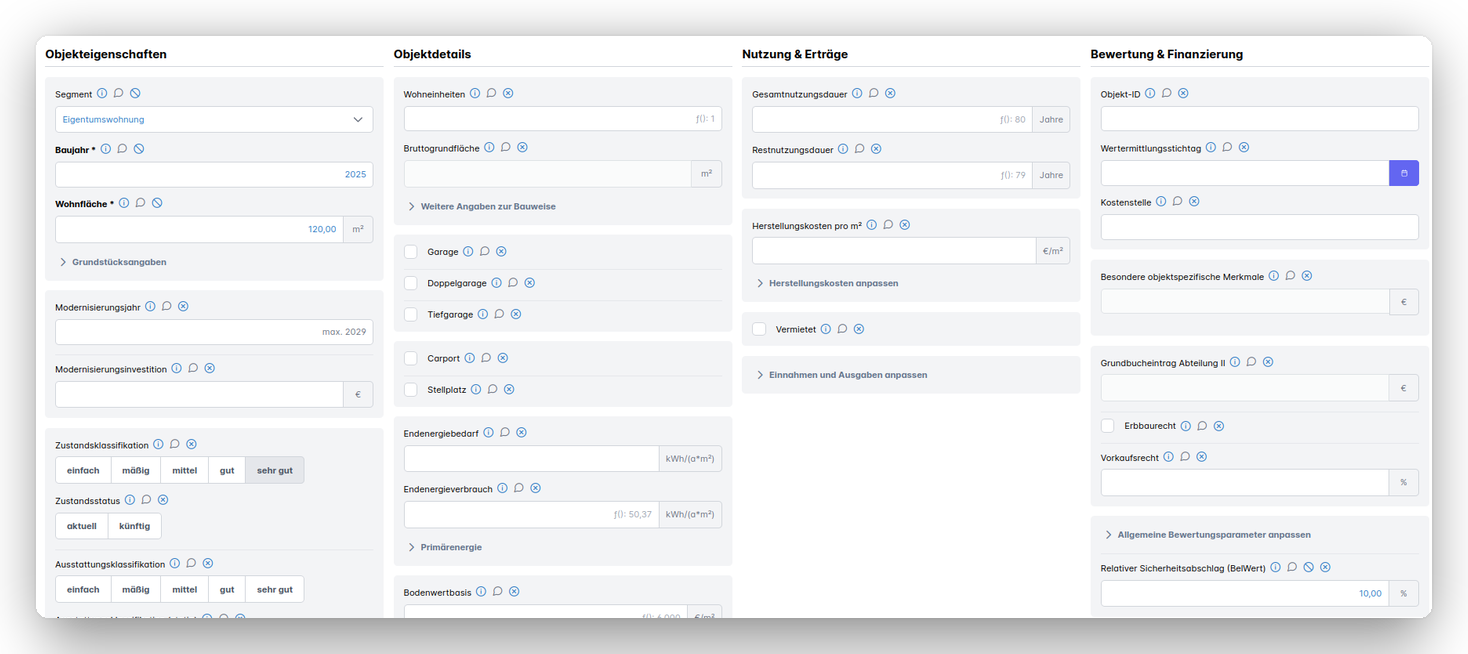
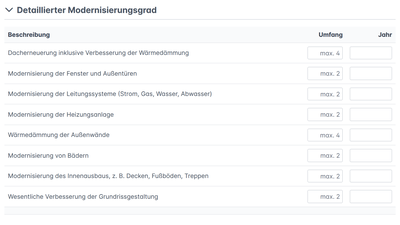 Property data captureEach data source has its own tab: land register, energy performance certificate (also read automatically), plot, inspection, inspection report, initial valuation on Europace and the listing exposé, which can be imported as a link or PDF. The overview brings all sources together. If two sources contradict each other, the conflict check flags the field, and the valuation can only be completed once the conflict is resolved. Fit-out standard and degree of modernisation are derived via matrices in accordance with ImmoWertV. System-generated suggested values, e.g. for remaining useful life, gross floor area or energy indicators, are marked as such.
-
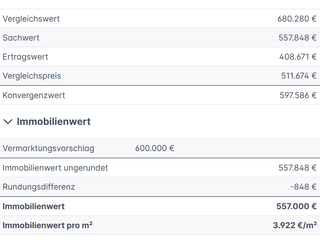
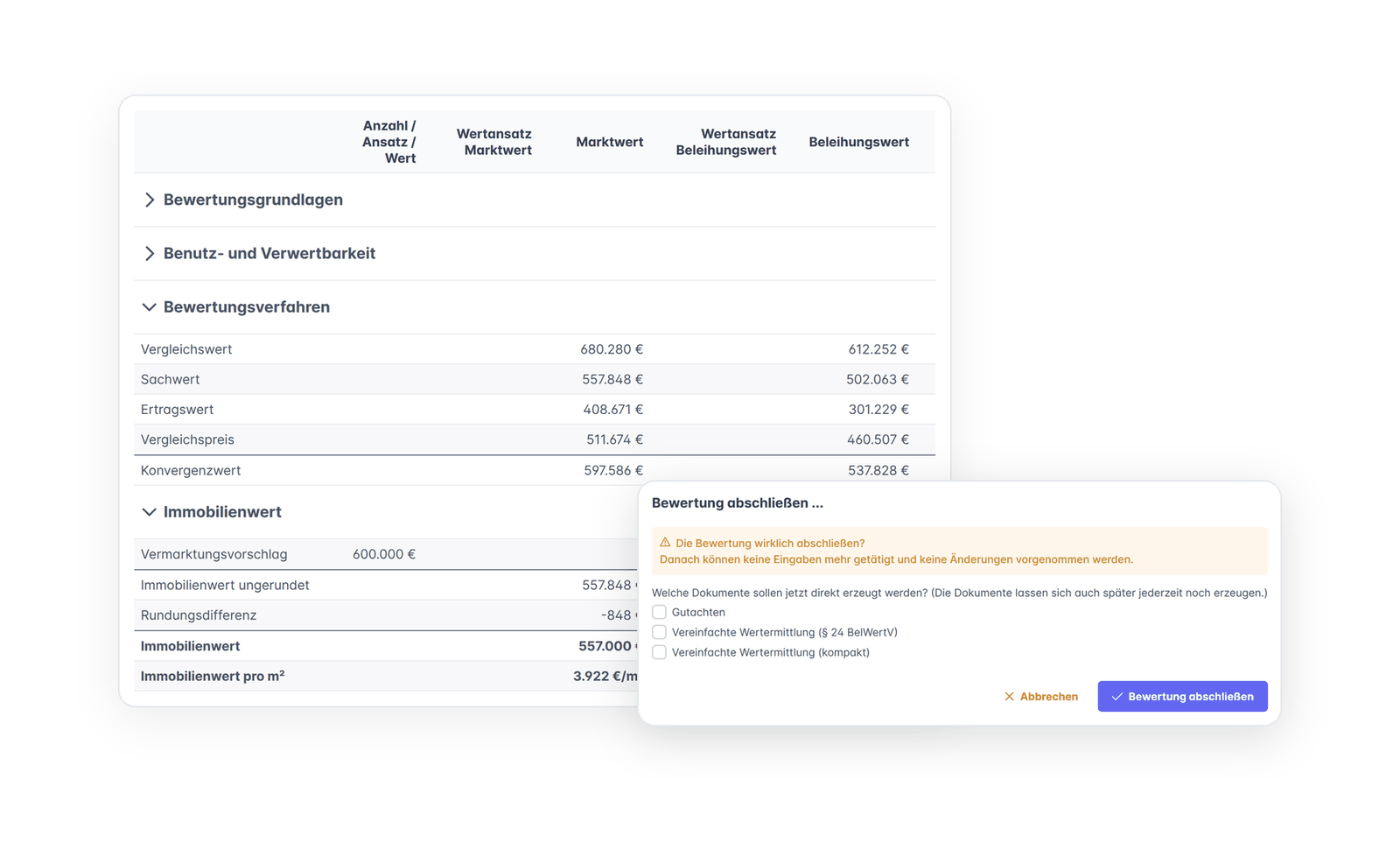
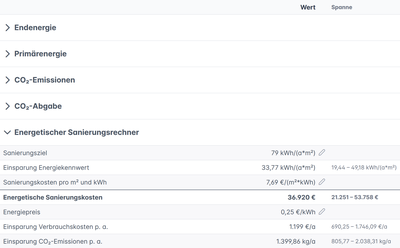 ValuationDerivation of market values and mortgage lending values in accordance with ImmoWertV and BelWertV in separate tabs for convergence, comparative, asset, income and energy value, with integrated standard land values, comparative values, construction price indices, regional and market adjustment factors, construction costs, rent assumptions and property yields. Every input can be changed with a justification. The Energy value tab shows CO₂ emissions (also according to PCAF) and the landlord’s share of the CO₂ levy. An energy retrofit calculator estimates the costs and savings of a retrofit. The method description of each approach is available directly in the corresponding tab.
-
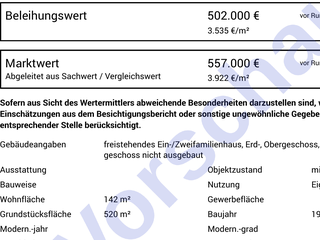 Review, assessment & documentationAssessment texts are pre-filled with standard wording for many sections, for example on encumbrances in Section II of the land register or on energy characteristics, and are then adapted to the case. The Review tab summarises assessments, documents and all changed values and comments. The end result is auditable reports as PDF; a watermarked preview is available at any time.
-
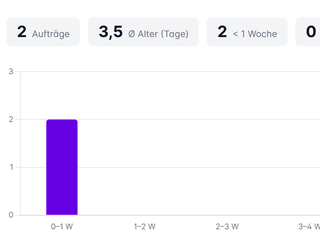
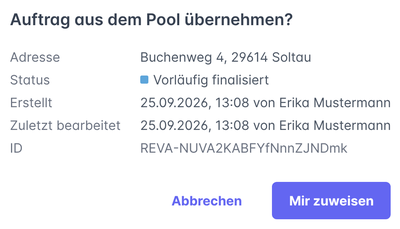 Order & process managementThe start page organises the case list into My valuations, Order pool, My history, Corrections and, for team leaders, All/Team. The filter searches all lists as you type; statistics show the age of open orders and the number of completed valuations. Valuations can be assigned, handed over and taken over. If valuations already exist for an address, REVA shows them before a new one is created. Multi-tenant, with rights management and traceable completions and corrections.
Front office, back office and audit
What a user may do in REVA is defined by individual rights. Preliminary and final completion are separate rights. If your institution assigns them to different people, the front office completes the valuation preliminarily, and the back office reviews it, continues editing if necessary and completes it finally. This builds the separation of front office and back office required by MaRisk (the German Minimum Requirements for Risk Management) into the system itself.
- Frozen completions — Every preliminary and final completion is saved as a snapshot with date and user; the documents are generated from this state. From the preliminary completion onwards, a valuation can no longer be deleted.
- Corrections with an audit trail — A completed valuation can only be reopened with a justification. Reason, date and user are recorded in the order, and the documents then carry a revision number. Earlier completions remain accessible via the finalisation history.
- Read-only access for internal audit — A pure reader role sees all completed valuations of the licence, changes nothing and generates no documents.
Inspections and documents from within the case
With a framework agreement with VALUE AG, you can commission external and internal inspections directly from the valuation, on request with gross floor area, floor plan or living area calculation. You can also order documents: land register extract, declaration of division, division plan, registration approval, cadastral map and information from the contaminated sites register and the register of building encumbrances. REVA transfers completed inspection reports into the valuation, procured documents are added to the report’s list of documents, and the inspection report is attached as an appendix.
Three levels of processing
You decide for each order how far a case is taken. The valuation logic remains the same across all three levels — the full model is always calculated, not a simplified version:
- Value indication — The address and a few core details are sufficient for an initial indication of market value and mortgage lending value. VALUE AVM fills in the remaining variables with well-founded assumptions, each of which can be overridden individually.
- Preliminary valuation — all parameters relevant to the valuation are captured, checked and, where necessary, adjusted by the valuer. The more complete the property data, the more reliable the valuation.
- Final valuation — with an inspection, document review and assessment, the result is a complete valuation — simplified under § 24 BelWertV or as a full mortgage lending valuation under the Pfandbrief Act (PfandBG). Professional responsibility lies with the valuer; the system provides the data basis, calculation path and documentation.
Two service packages
Regardless of the level of processing, REVA can be booked in two variants — they differ in the scope of functions and reports:
Package A (compact valuation) offers all core functions for deriving market values and mortgage lending values quickly and efficiently, with a compact valuation report.
Package B (full valuation) includes the full range of functions and exports, a detailed assessment, property documents and a list of appendices — to support more extensive regulatory requirements and the preparation of full valuation reports.
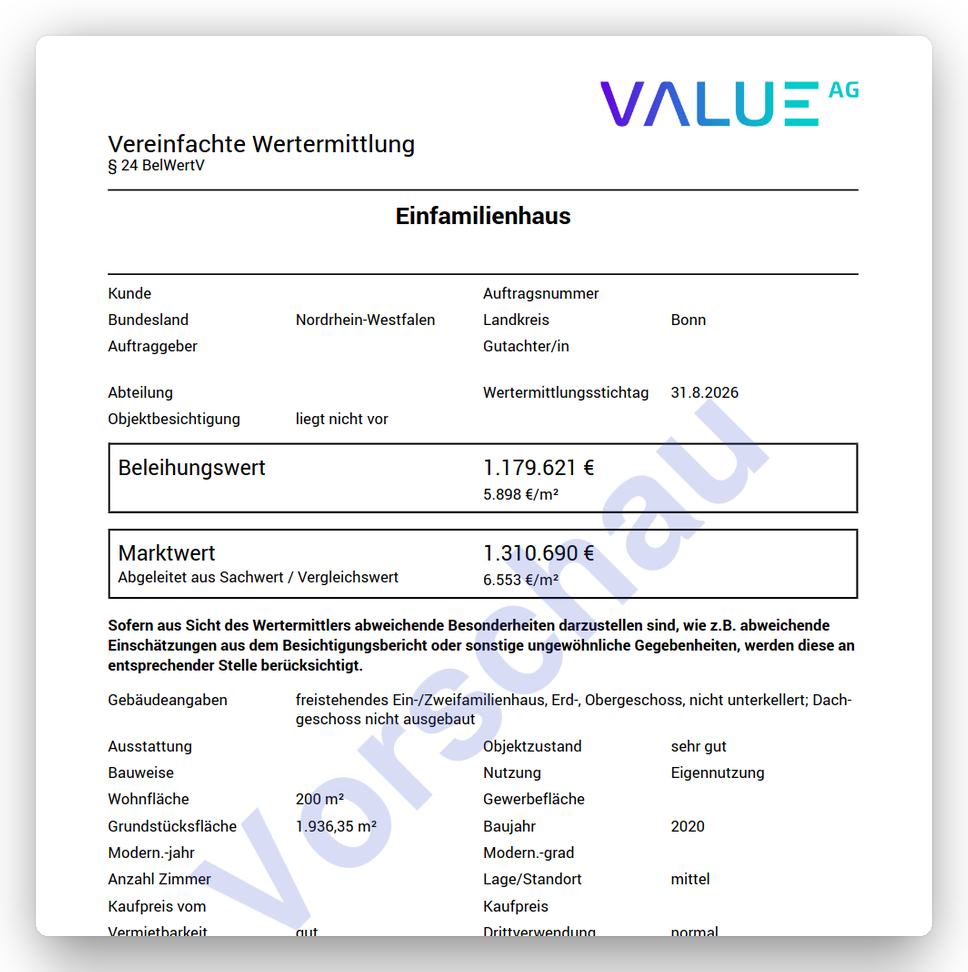
Three documents are available: the valuation report (market value and mortgage lending value under § 16 PfandBG) with a location description, explanations for each approach and maps as appendices, the simplified valuation under § 24 BelWertV and a compact version of just a few pages. A separate right for each document determines which of them a user may generate.
REVA in practice
REVA has been in productive operation since the end of 2025. Numerous cooperative banks have commissioned valuations from VALUE AG via Europace and Genopace with BaufiSmart. Real estate agencies and other market participants also use the platform.
Operation and security
The service is operated as software-as-a-service on our own servers in Germany — without public cloud providers, based on Linux, Java, PostgreSQL and React. Data protection and information security follow common requirements; every preliminary and final completion is recorded immutably as a snapshot with user and timestamp; corrections create a new revision with reason, date and user, and earlier completions remain accessible. New data and model versions are released roughly every six weeks, first on the NEXT test environment and one week later in production. With your usual login, you can try out new functions there in advance. The user interface is available in German and English, in light or dark mode. The manual, AVM documentation and release notes can be accessed from within the application.
For systems and AI agents
REVA is the environment in which people carry out valuations — the machine side deliberately sits next to it rather than inside it. There are two routes for systems, and they answer different questions.
- Orders and results — REVA is fully accessible via REST interfaces (JSON) and documented in OpenAPI. Inbound and outbound interfaces exist with the Europace and Genopace platforms with BaufiSmart: the valuation order is created directly in the ongoing loan application, and the result flows back automatically. For transfer into core banking systems, a JSON output of the data relevant to the valuation is available; using robotic process automation, the values can also be fed in where no dedicated interface exists. Property data and inspection results can be imported, and results exported to downstream processes — details under APIs & AI agents.
- Values without detours — If you only need the value and not a processing workflow, you can address VALUE AVM directly. It delivers market value and mortgage lending value together with the calculation path via a documented REST interface and also provides its method description and validation report in machine-readable form.
The separation is intentional: a machine value query is something different from an auditable valuation. One delivers a figure in seconds; the other is produced with an inspection, an assessment and a valuer who stands behind it.
How REVA fits together with VALUE AVM and the other access routes is shown in the portfolio overview.
Would you like to get to know REVA? Get in touch — we will be happy to show you the service in a personal demo. Existing users log in at reva.value-marktdaten.de. The user manual is available there as a PDF after login.